Maintenance
Water Softener After a Power Outage: What Settings Should You Check?
Check your softener clock, retained programming and interrupted-cycle status after an outage, with model-specific examples and a printable recovery record.
Troubleshooting
Follow a model-specific troubleshooting path when your water softener is not using salt. Record the display, salt condition, metering, fill, brine draw, and treated-water result.
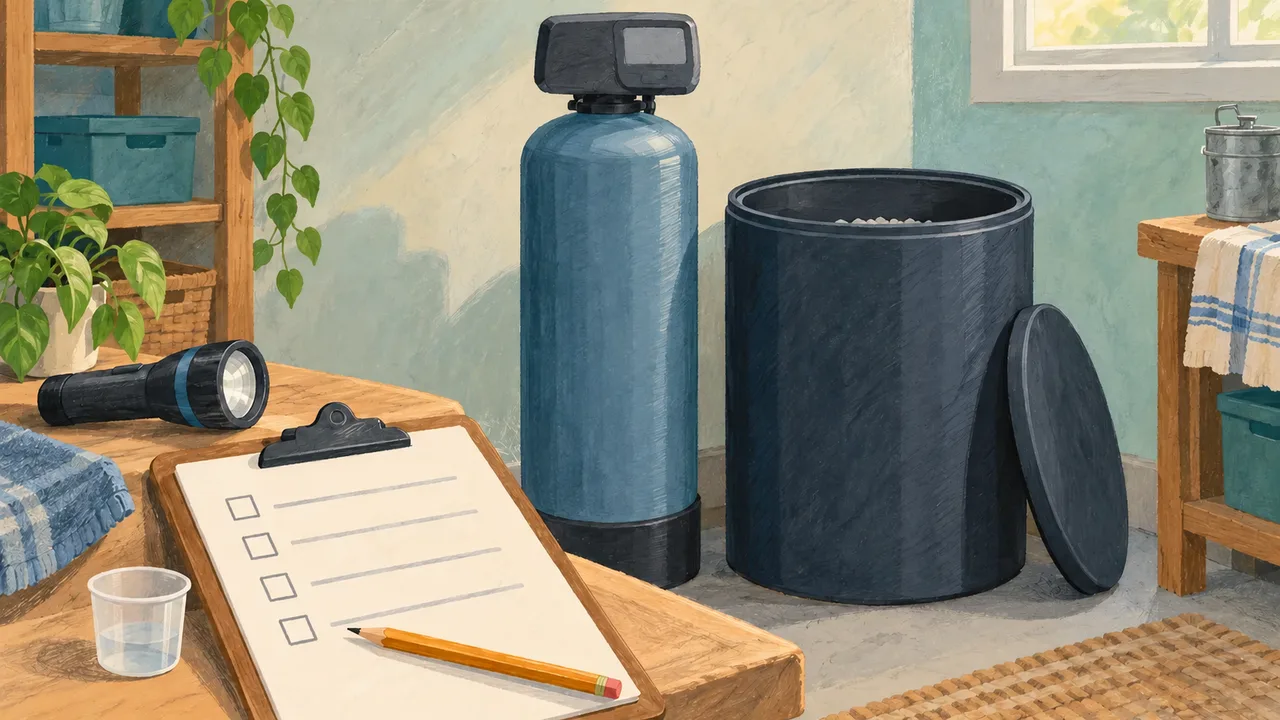
A water softener that is not using salt needs an observation record before it needs a new setting. An unchanged salt level can mean low treated-water demand, a salt bridge, a bypass or power problem, a meter that is not registering flow, or a recharge that is not filling or drawing brine. Record the full model, display, last refill, cycle state, and a comparable treated-water test. Then follow the branch that matches your equipment manual.
This guide is for residential salt-regenerating softeners. It does not cover salt-free conditioners, drinking-water filters, or every well-water treatment component. Control labels and valve positions differ by model, so a button sequence or bypass direction from another brand is only an example, not an instruction for your unit.
Before adding salt or changing a setting, write down:
A photograph of the label, display, and salt surface keeps an uncertain observation from turning into a guessed diagnosis. If you inherited the softener, mark missing information as “unknown” and keep the previous owner's settings unchanged until the manual identifies them.
The table keeps the first check narrow. “Not using salt” describes what you see; it does not identify the failed part.
| What you observe | Check next | What the result tells you |
|---|---|---|
| The display is blank or the time flashes | Confirm the outlet and transformer, then use the model's power-recovery instructions | The unit may not be tracking time or scheduling a recharge |
| The display works, but automatic cycles never appear | Check whether the controller registers flow when a confirmed softened faucet runs, using the model's meter screen | No count points to a metering or control question; a count moves the investigation to salt and recharge behavior |
| The surface stays full or a hard layer resists a permitted check | Read the salt-bridge instructions for the complete system before probing or adding water | A bridge can leave an empty gap beneath apparently plentiful salt; keep the finding marked “suspected” until identified |
| Salt changes, but treated water tests hard | Confirm the sample is from a treated cold outlet, then check the model's bypass, plumbing, settings, and recovery procedure | The symptom is now treatment performance, not simply salt inventory |
| A recharge starts but the tank does not fill as the manual describes | Follow the model's fill observation and stop before disconnecting parts | A blocked fill route can prevent brine from being created |
| The tank fills but the brine level does not fall during the documented draw stage | Use the manual's brine-draw checks and service path | Restrictions, a valve or injector issue, or an air leak may need model-specific work |
Rheem's little/no-salt troubleshooting sequence uses a model-specific meter display, then checks for a salt block and a fill cycle. The sequence is useful as a diagnostic pattern; its Program/Select labels do not transfer to another controller.
A full-looking tank can hide a bridge. The salt bridge versus salt mushing guide explains the difference between a crust suspended above a gap and fine salt packed on the bottom. Read the check in your own manual before inserting anything. Do not pound the tank, guess a refill quantity, or pour in household chemicals because the surface looks unchanged.
If the salt is loose and the level still does not change, check whether the controller is recording softened-water use. A quiet meter during confirmed flow suggests an automatic-recharge or meter question. A moving meter with no salt use points toward the salt condition or the recharge itself. Record which observation you made; do not change hardness, capacity, and cycle settings together, because the next result would not identify the cause.
During recharge, water must enter the brine area to create the solution that is drawn through the resin. Rheem's fill-check article describes looking for water at the tank or brinewell and notes that the amount of recharge water varies by system. Its cover-removal and hose tests are specific to its equipment; use them only when your manual provides the same procedure and safety conditions.
A different model manual may ask you to observe a drop in the brine level during a draw stage. The Whirlpool troubleshooting manual, for example, lists a dirty or mis-seated nozzle and venturi, valve-seal leakage, drain restriction, and brine-line obstruction as possible causes for a failed draw. Treat that list as a model-specific example. If the procedure requires depressurizing, disconnecting a hose, or opening the valve, stop and arrange qualified service when you cannot identify the matching instructions.
A working display does not prove that water is passing through the resin. GE's not-softening troubleshooting page separates power, salt level, salt bridge, plumbing, bypass, nozzle/venturi, and drain restrictions for its equipment. Use the complete GE manual for any handle direction or component access; another manufacturer's “service” or “bypass” position may be different.
For the performance check, use the same treated cold-water outlet and test method each time. Keep the incoming-water result separate from the treated-water result. If the sample is hard immediately after a documented completed recharge, preserve the display, settings, salt condition, and test record for support. If only one outlet is affected, record the plumbing route before assuming the softener is the source.
Use the page's Print this page button and keep the record beside the manual. Fill in observations first; add an action only after the matching instructions are identified.
| Field | Your entry |
|---|---|
| Date and time | ______________________________ |
| Full system model / valve model / manual revision | ______________________________ |
| Symptom and when it began | ______________________________ |
| Salt product / last refill / level before and after | ______________________________ |
| Salt condition: loose, crust, bottom deposit, wet, or unknown | ______________________________ |
| Display, error, cycle, and meter observation | ______________________________ |
| Bypass or plumbing observation (per manual) | ______________________________ |
| Treated outlet / test method / hardness result / unit | ______________________________ |
| Instruction section used | ______________________________ |
| Action taken and date | ______________________________ |
| Recheck result and remaining question | ______________________________ |
For a support request, send the model label, manual revision, dated photos, display text, last refill, cycle state, and test conditions. Ask which observation would distinguish the remaining possible causes. That question is more useful than asking for a generic setting or repeating a recharge without recording what changed.
A softener may use little salt during a low-use period, while a system that meters water but never draws brine has a different problem. A salt bridge can make a tank look full; a bypass can leave the salt untouched while sending untreated water to the house; a restricted drain or brine line can prevent the hydraulic step that creates or draws brine. These possibilities overlap in the first glance, so keep one dated record and change one assumption at a time.
If the manual's permitted checks do not explain the pattern, stop before disassembly and give the record to the manufacturer or a qualified service provider. The useful next decision is whether the evidence points to inventory, control, plumbing, or service—not whether the salt level looks different from a neighbor's tank.
No. A bridge is one possible explanation, but low water use, a meter that is not registering flow, a bypass, a power or time problem, and a recharge that does not fill or draw brine can produce a similar appearance. Photograph the salt and display, record the last cycle, and use the check in your complete system manual. Keep “bridge suspected” separate from a confirmed finding until the permitted inspection supports it.
Not automatically. First record how much salt is present, whether it is loose or crusted, and whether the controller has actually completed a recharge. Adding more can hide a bridge or make the starting condition harder to interpret. If the tank is empty, use the refill and recovery instructions for the exact model. If salt remains but the symptom continues, keep the record and follow the next diagnostic branch instead of changing several settings together.
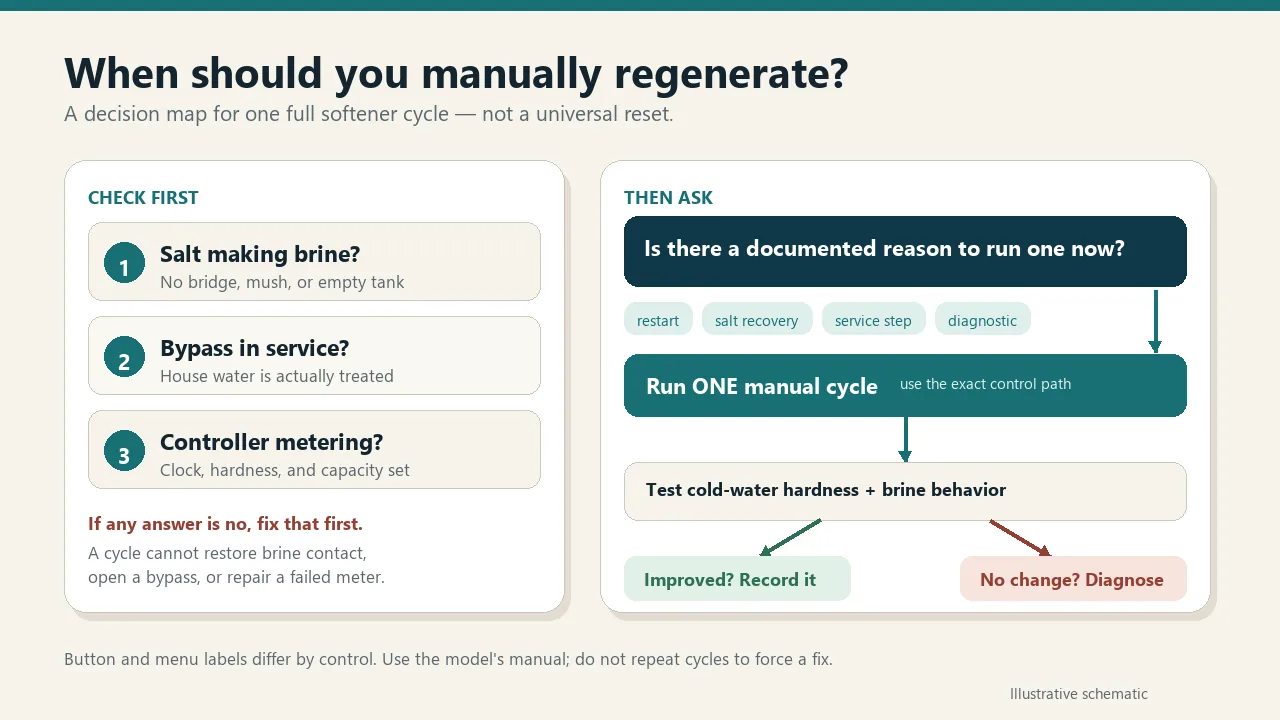
Only when your equipment manual says a manual recharge is appropriate and explains how to start it. A manual cycle can help you observe whether the system fills and draws brine, but it also changes the cycle history. Record why you started it, the display state, and what happened at each documented stage. If the procedure or water-use restrictions are unclear, ask the manufacturer or a qualified provider before starting it.
Use a tool only if the complete system's instructions call for that check and describe how to do it safely. A different manual may specify a different access point, tank construction, or recovery step. Never pound the tank or force an object through an uncertain obstruction. If the resistance could be a support, brinewell, or another component, stop, photograph the condition, and ask for identification rather than treating resistance as proof of a bridge.
A moving meter shows that the controller is seeing flow; it does not prove that the brine system is working. Check the permitted salt condition, then observe the fill and draw stages described by your manual. A model-specific procedure may direct attention to a fill route, nozzle, drain restriction, brine line, or valve. Record the stage, water-level observation, and any error before arranging service or repeating the cycle.
Test a confirmed treated cold-water outlet and record its location, method, date, and result. Compare that with another treated outlet only when the plumbing routes are known. Keep incoming-water hardness separate from treated-water hardness. If one fixture differs, the evidence may point to a local plumbing or blending issue; if several treated outlets show the same result after the documented recovery, give the complete record to the manufacturer or service provider for the next model-specific check.
Maintenance
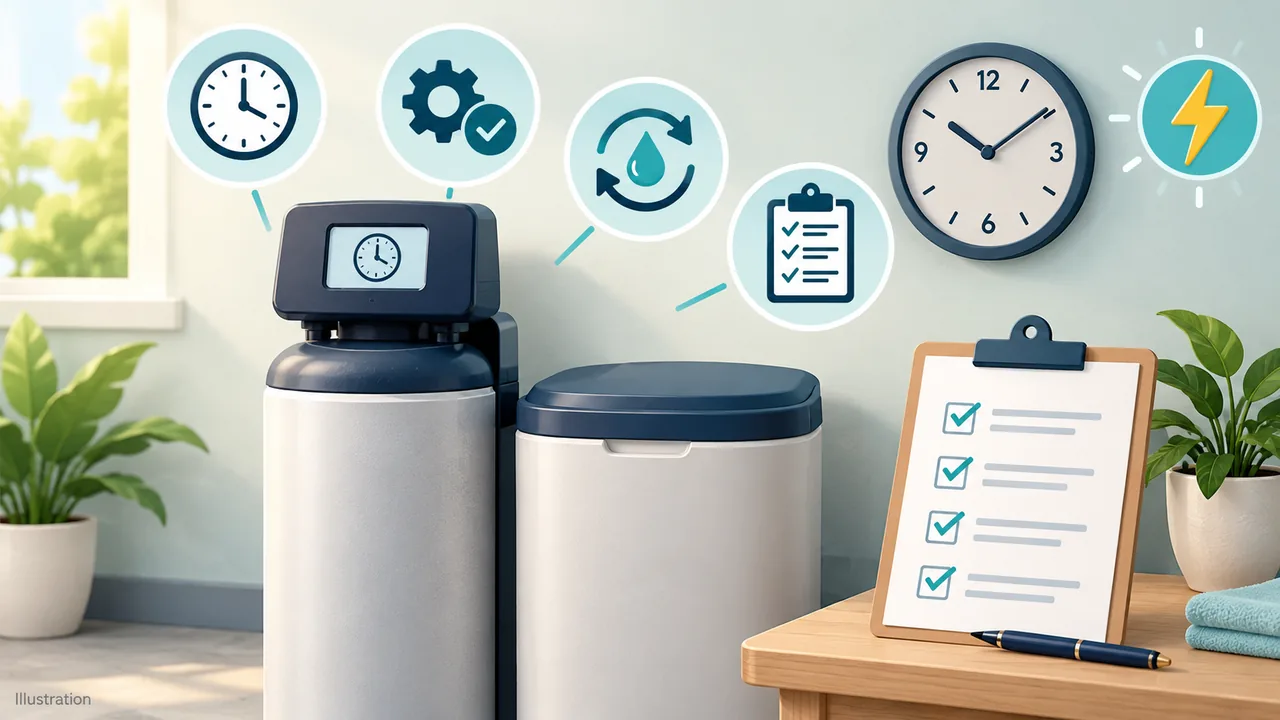
Check your softener clock, retained programming and interrupted-cycle status after an outage, with model-specific examples and a printable recovery record.
Maintenance
Choose a model-appropriate vacation plan, record power and valve positions, separate freezing-weather preparation, and check the return to service.
Salt & regeneration
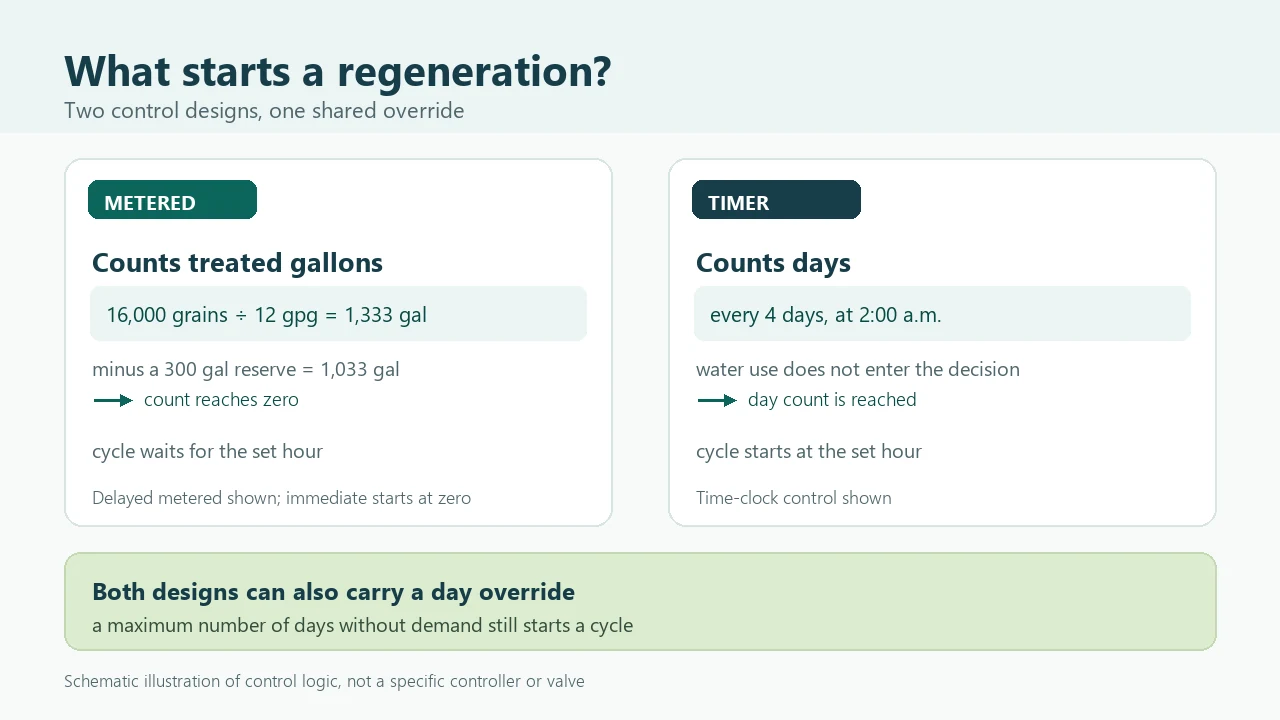
Compare how metered and time-clock softener controls decide when to regenerate, with the immediate and delayed trigger paths, a shared day override, and worked gallons arithmetic for two usage patterns.
Salt & regeneration
Decide when a manual softener regeneration is justified, compare Whirlpool, EcoWater, and Fleck control paths, and know when to stop and diagnose instead.
Sizing & costs
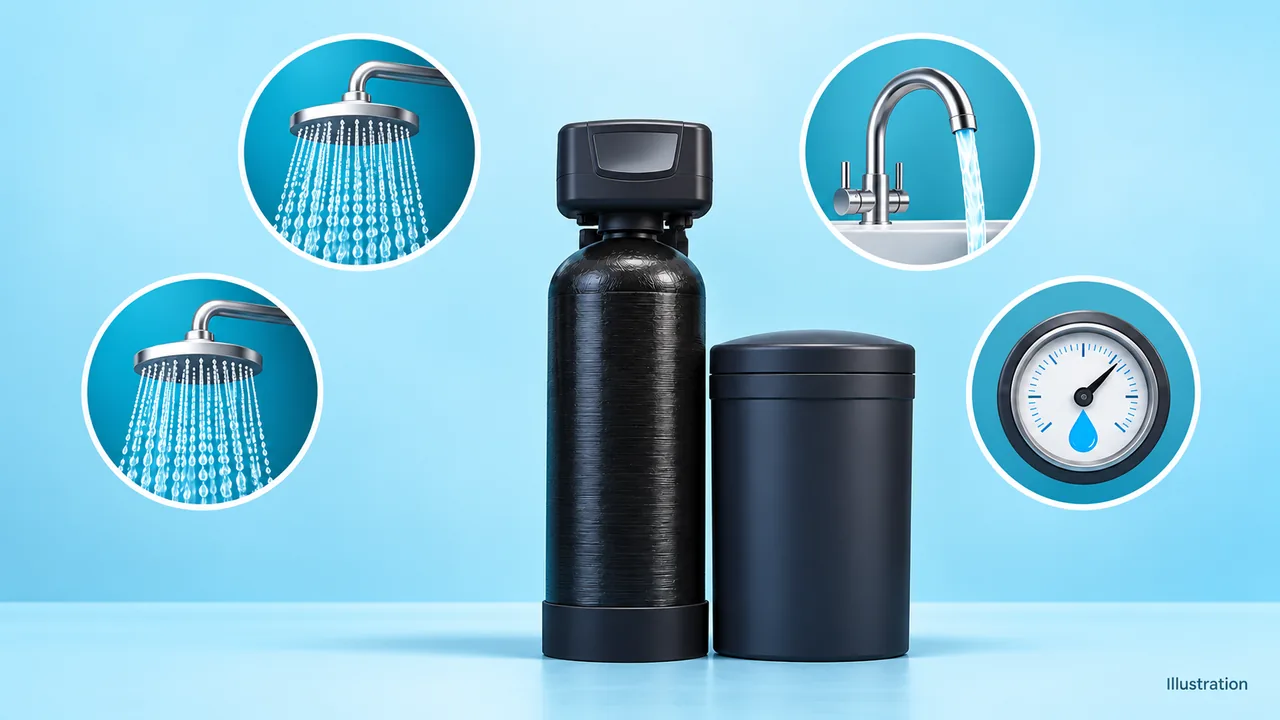
Estimate simultaneous household flow, compare it with a model-specific service-flow rating and pressure drop, and record the evidence before choosing a water softener.
Salt & regeneration
Distinguish a suspended salt crust from fine salt packed at the tank bottom, then use a model-specific recovery path and printable observation record.